
Video menu and table ordering for restaurants
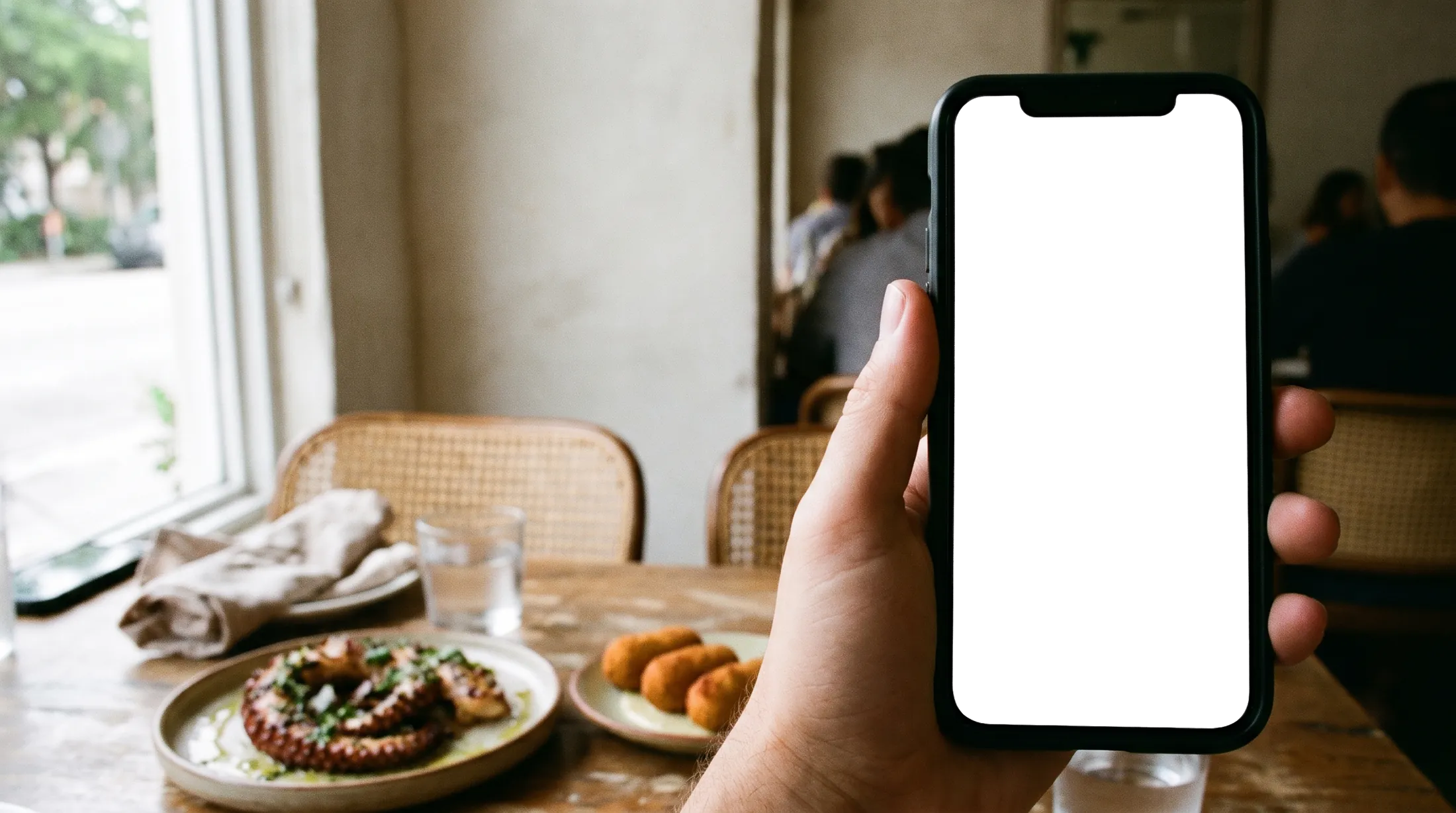
Guests order what they can see.
They scan the code on the table, watch the dish, and order. Your kitchen has it seconds later.
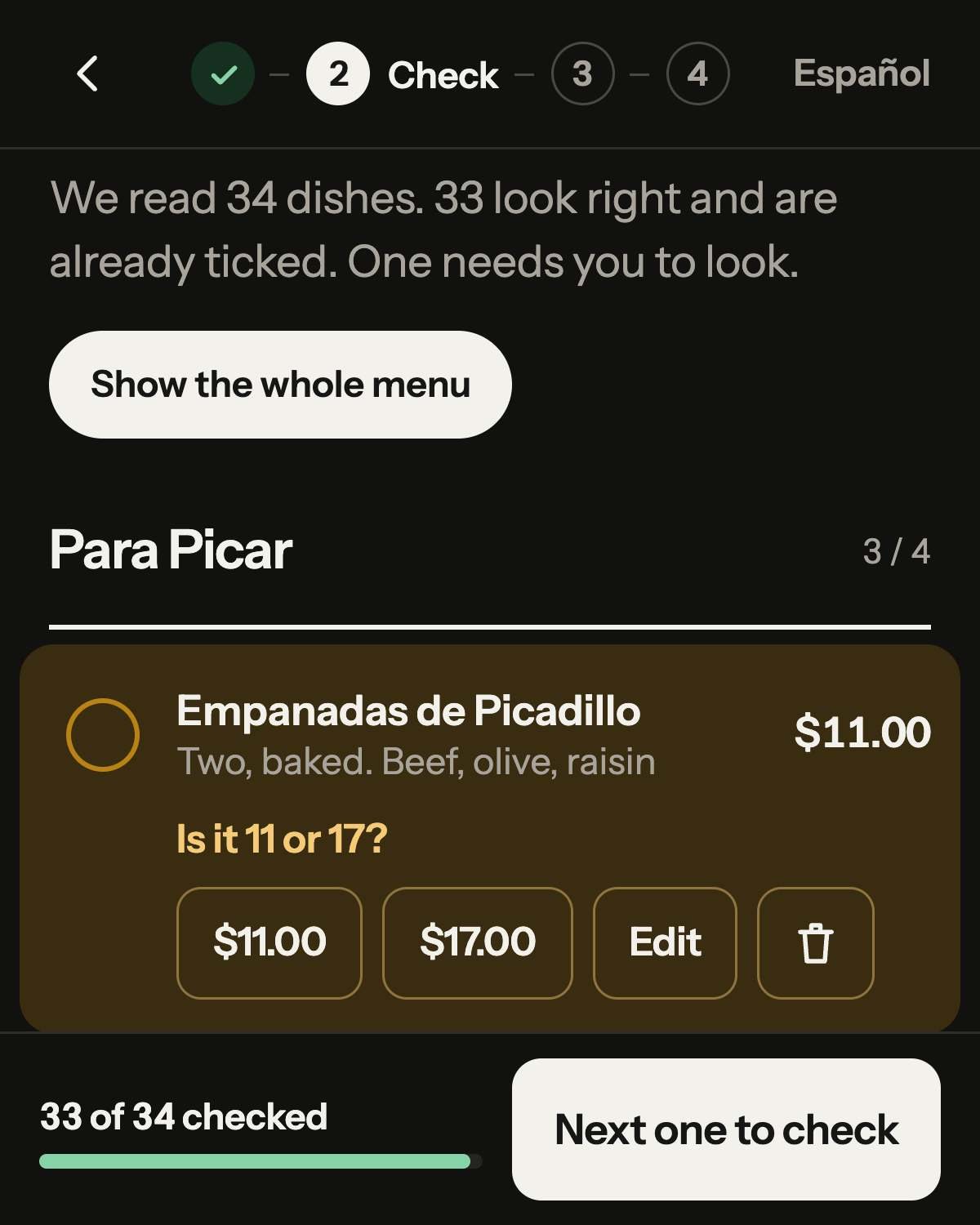
Starts from a picture of your menu. No card.- No app for guests
- Keep your Toast, Square or Clover
- English and Spanish
- Your page in minutes
A line of text can't steam.
A good menu still asks every table to imagine the food. Tap any dish.
De la Brasa
Platos Fuertes
Cocktails
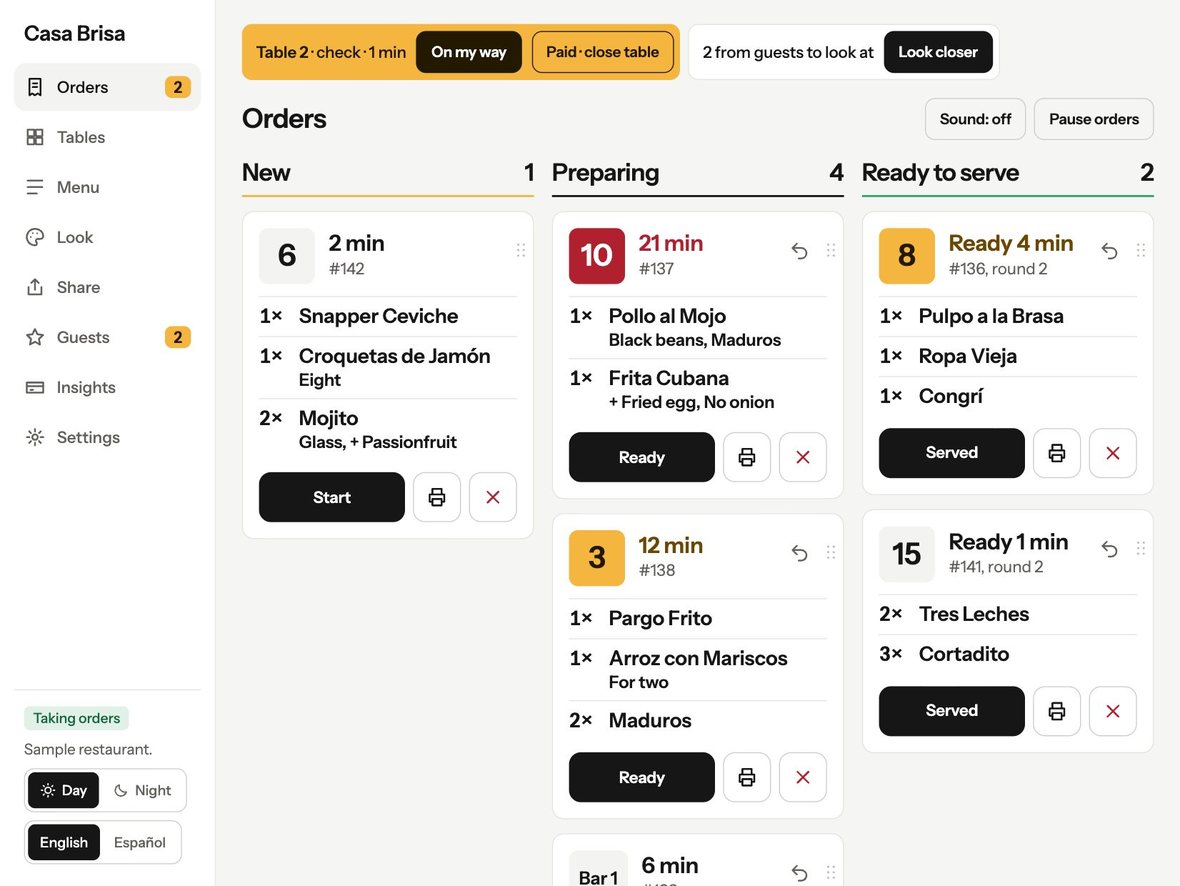
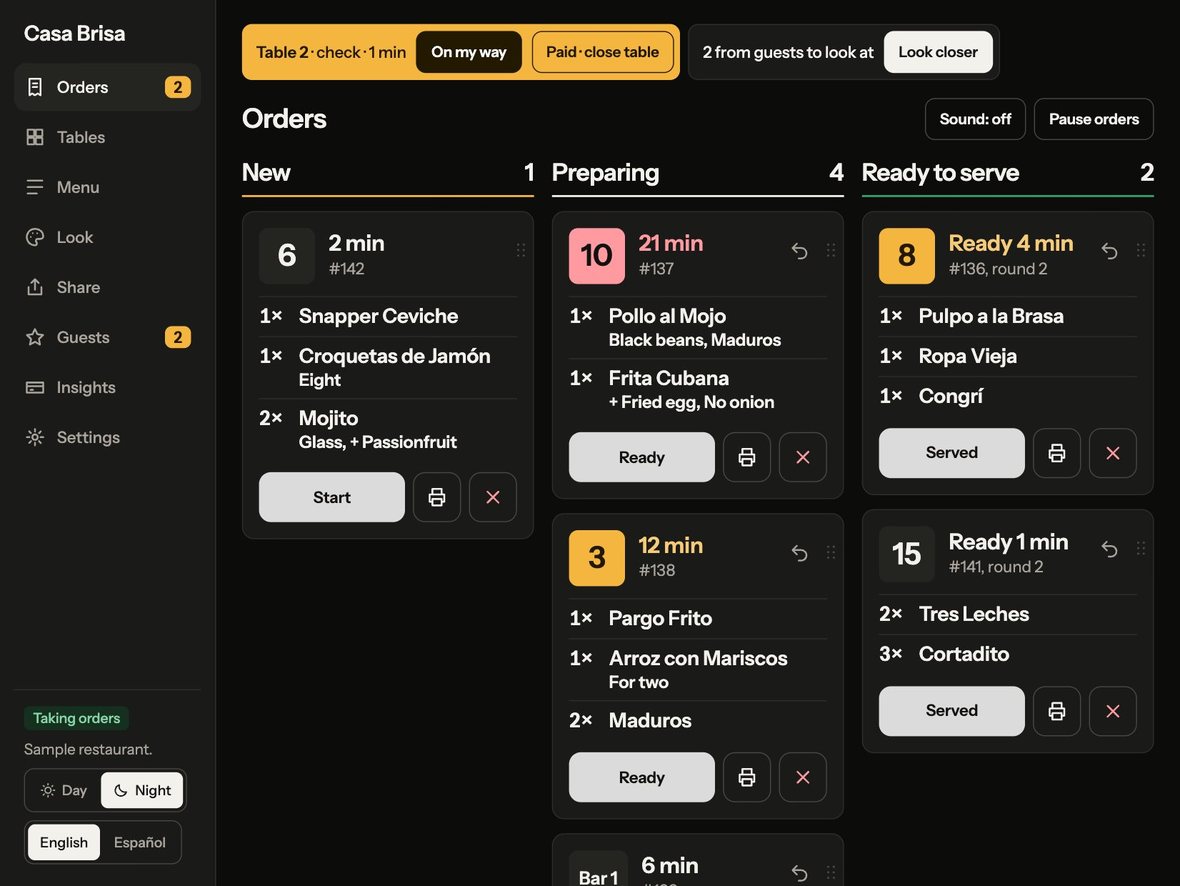
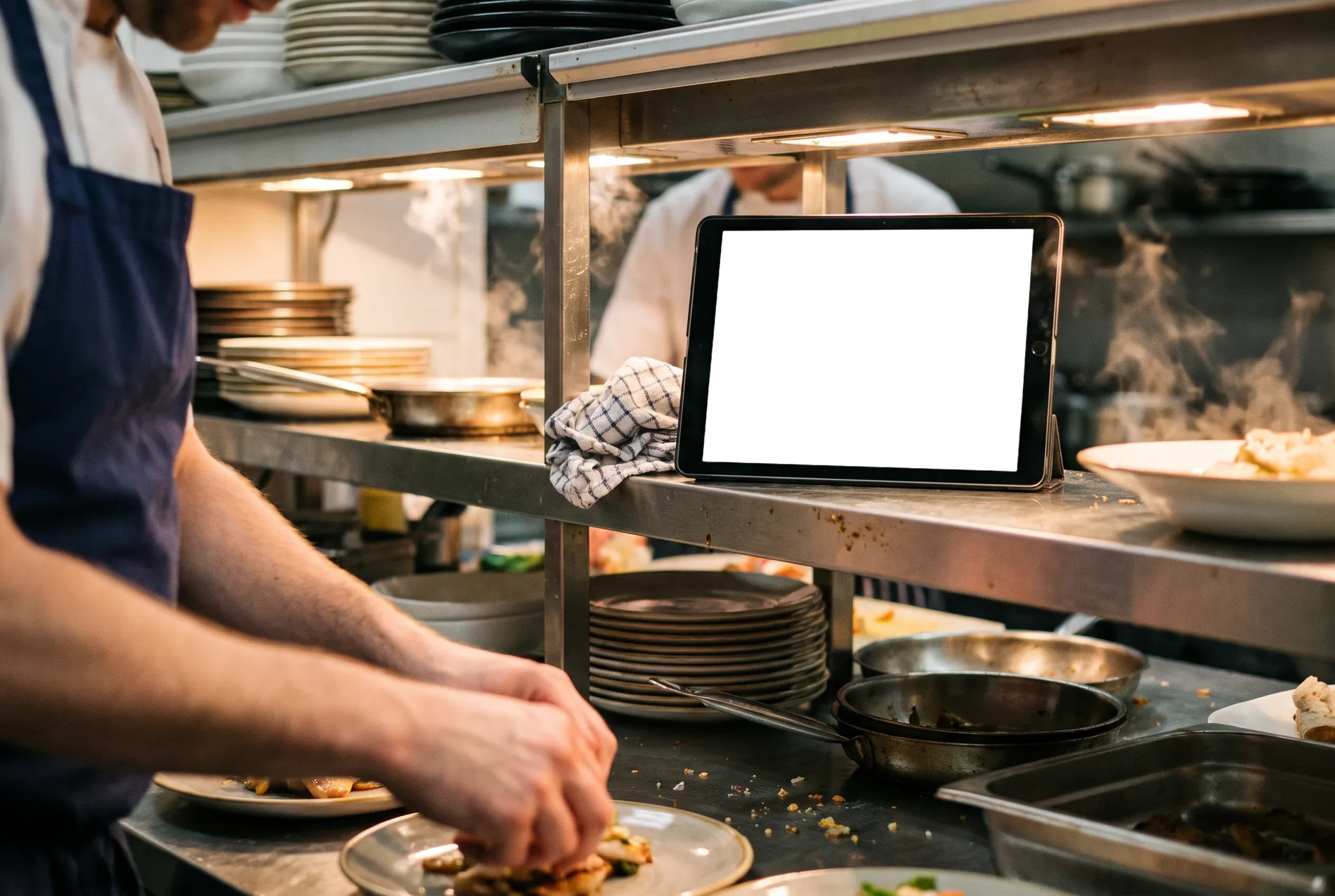
The kitchen has it before the phone is back on the table.
- Sell what you want today
- Chef's pick, specials, a menu of the day, happy hour. Each one is a switch.
- Any iPad or tablet
- Every choice and note, in large type. Tickets change color when they wait too long.
- Sold out in one tap
- The dish leaves every phone in the room at once.
- English or Spanish
- Each screen picks its own. The grill can read Spanish while the office reads English.
- Next to your register
- Nothing to replace. Keep the system and the servers you have.
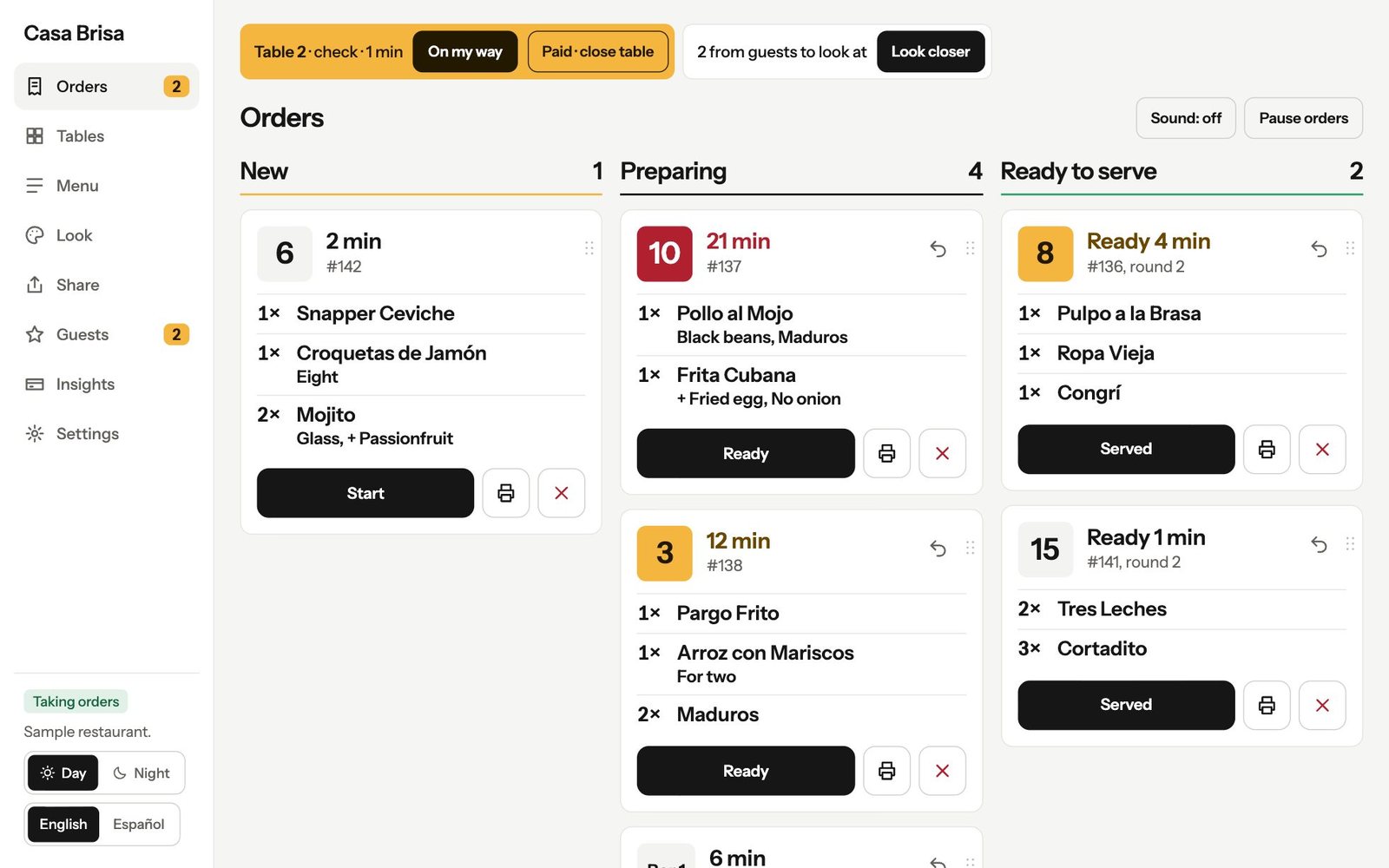
Set up my restaurant
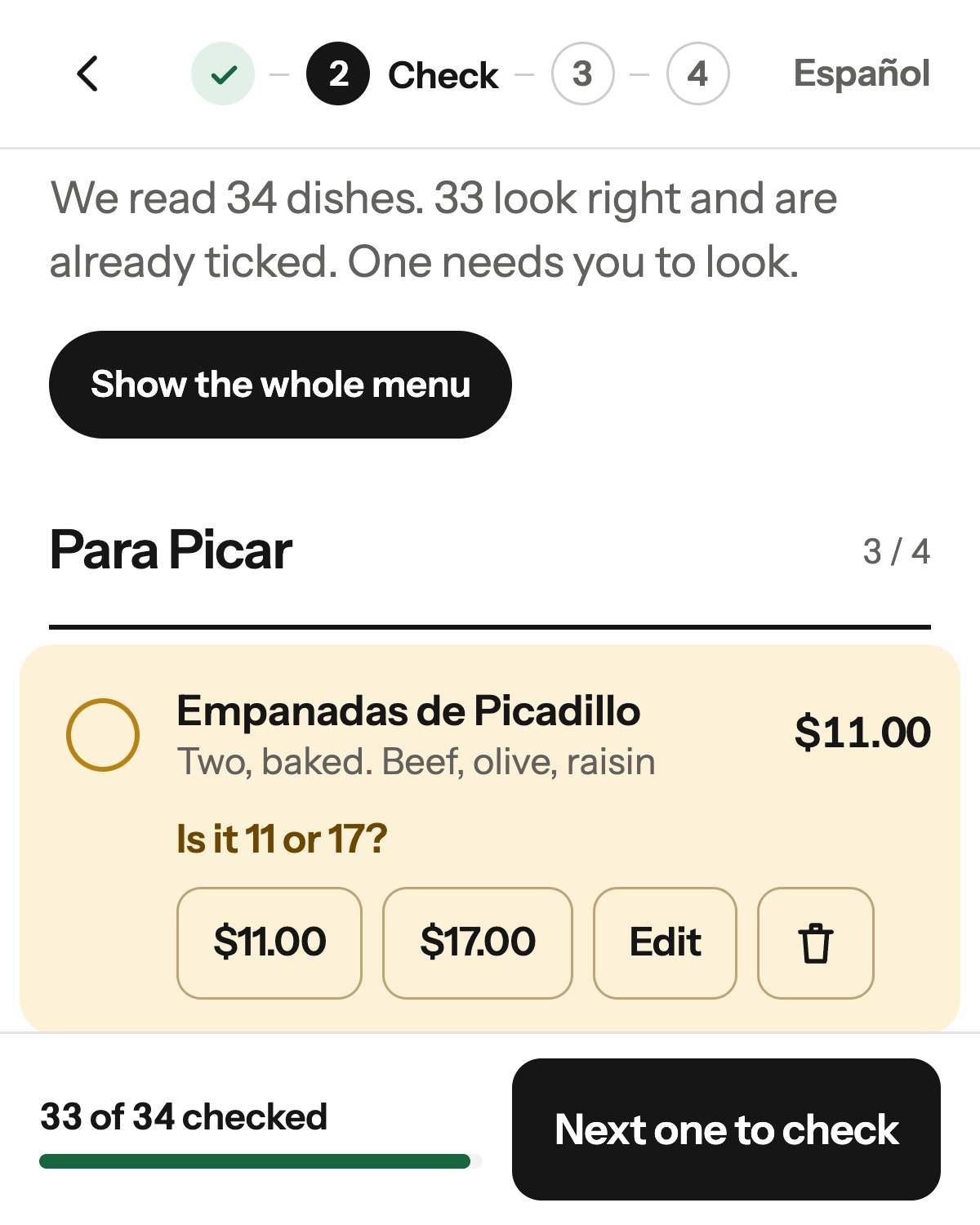
Your menu, your logo, your link. Take a picture of the menu you have, check what we read, and your page is there. You only make an account when you want to keep it.
Set up my restaurantTry the demo
A made-up restaurant in the middle of dinner. Order as a guest and watch it land in the kitchen. Nothing to fill in. The food, people and numbers are samples.
Start with a picture of your menu.
Your page is up in minutes. No photographer, no agency, no new equipment.
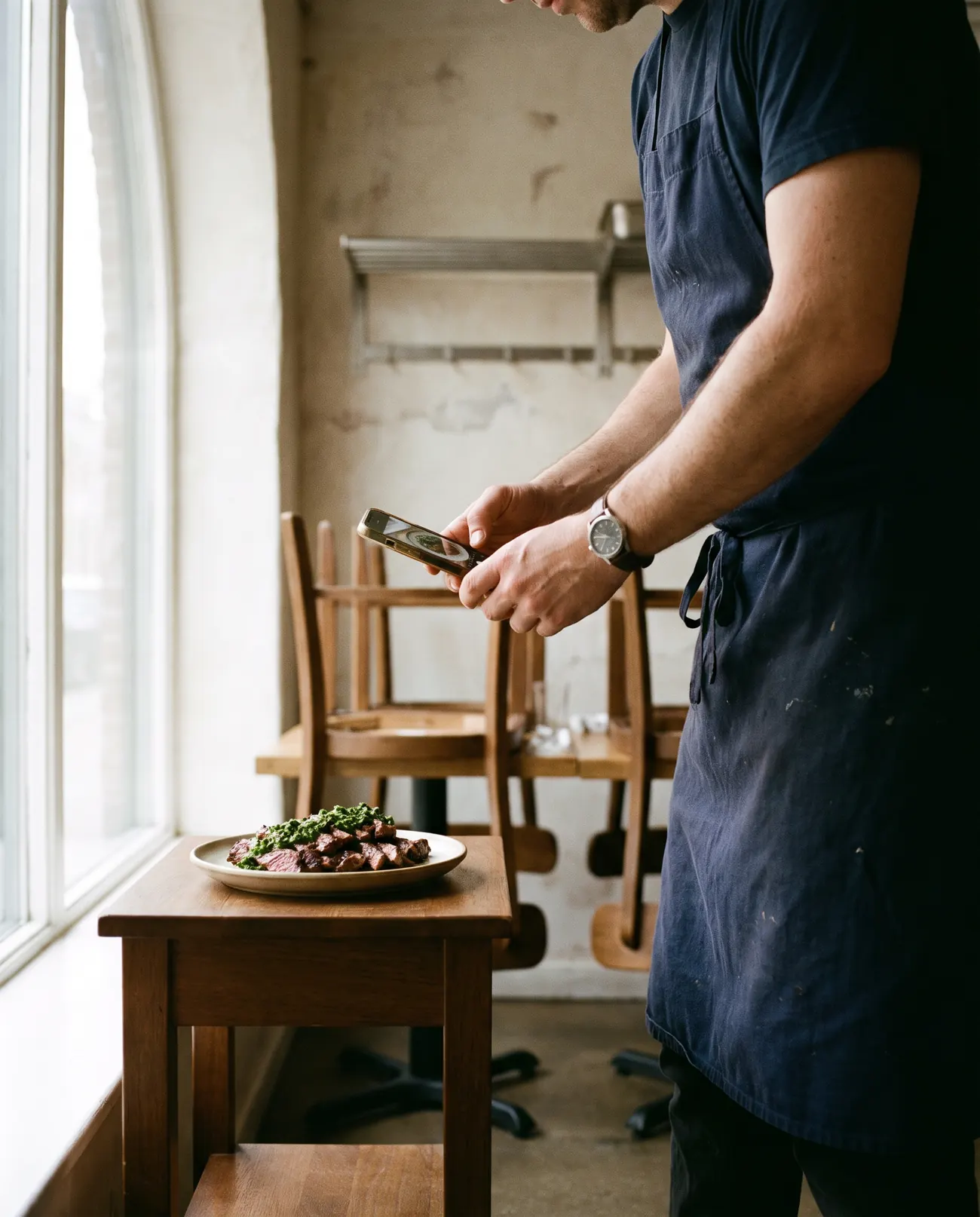
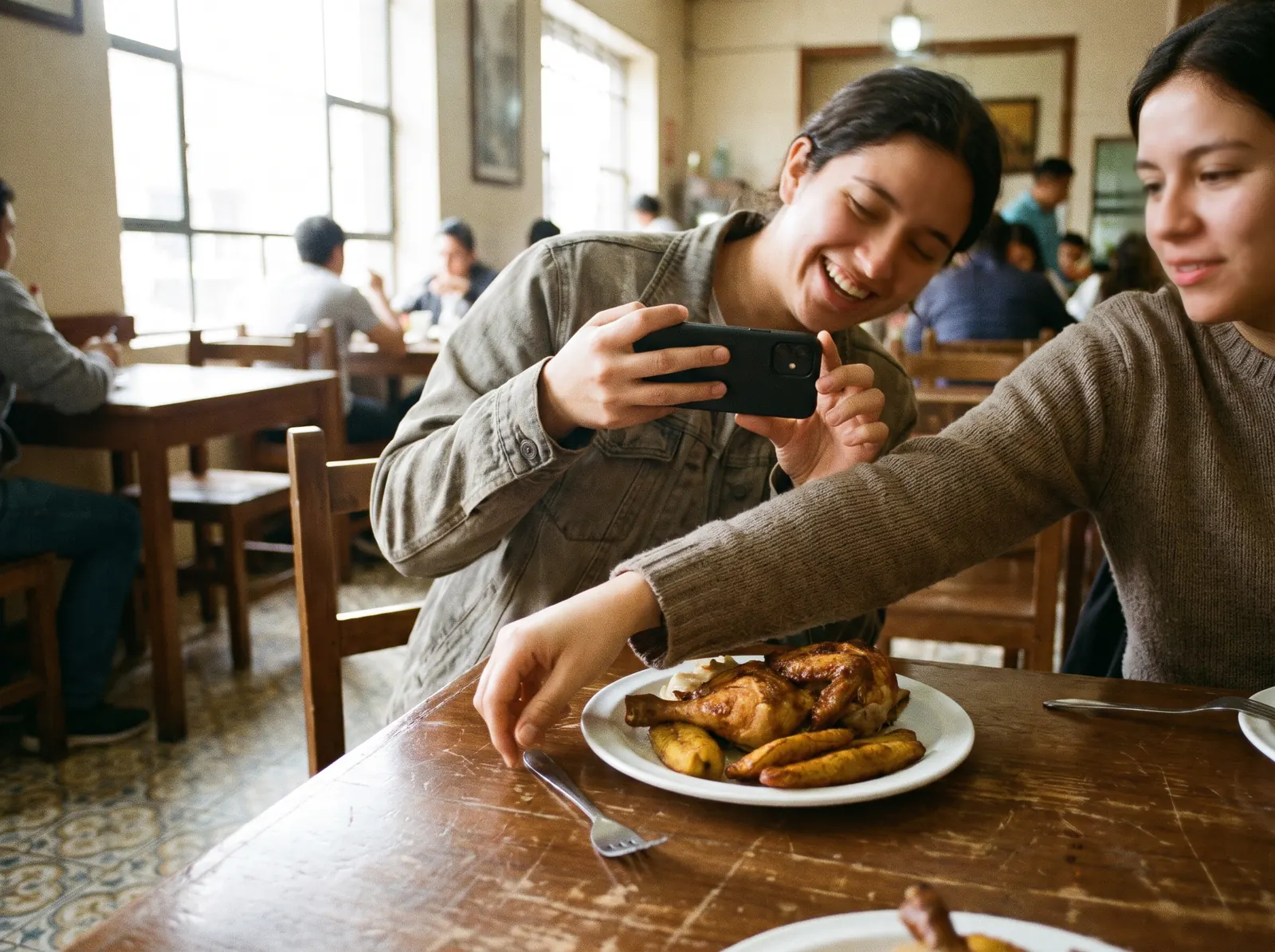
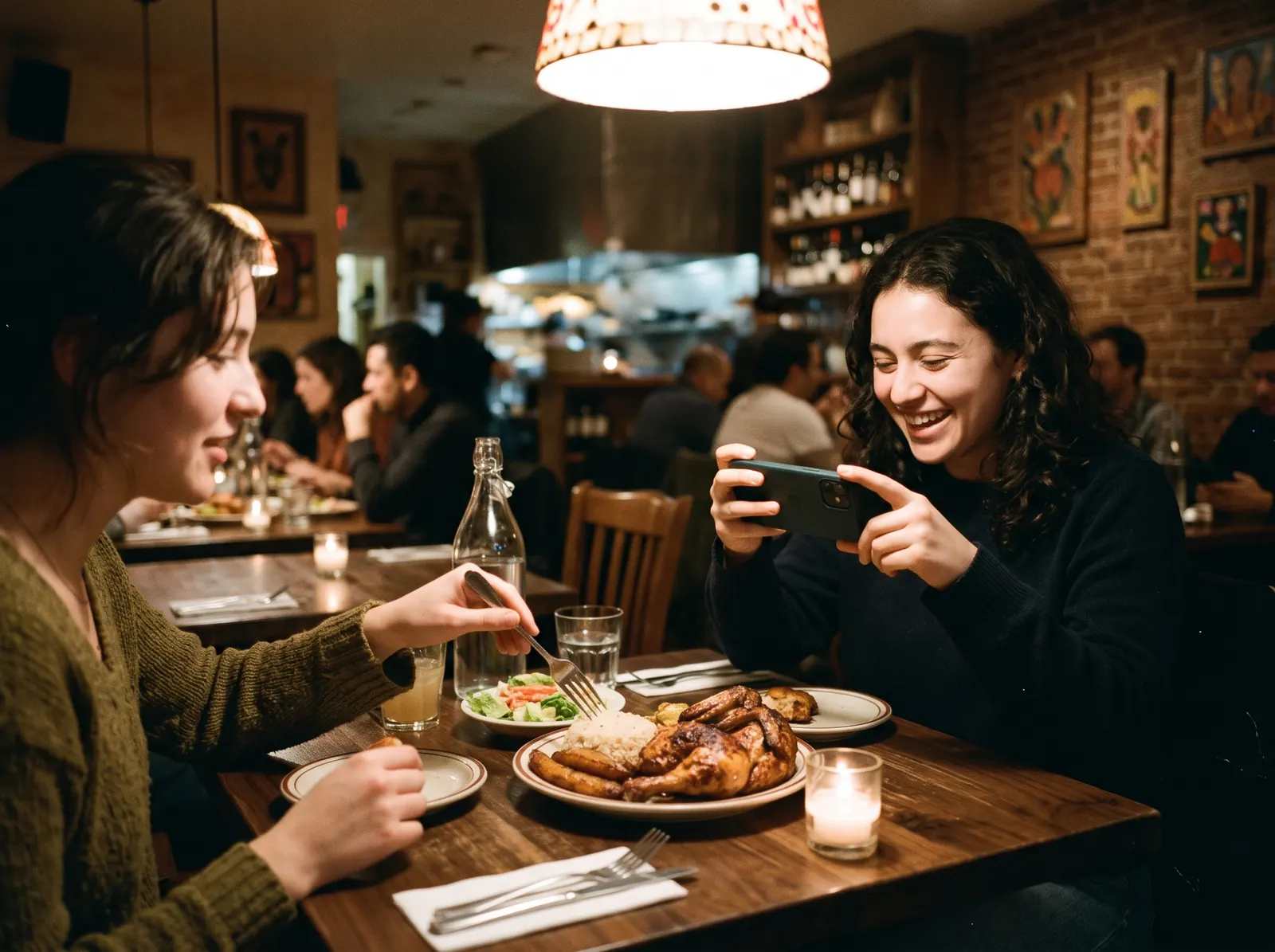
Let your guests film it.
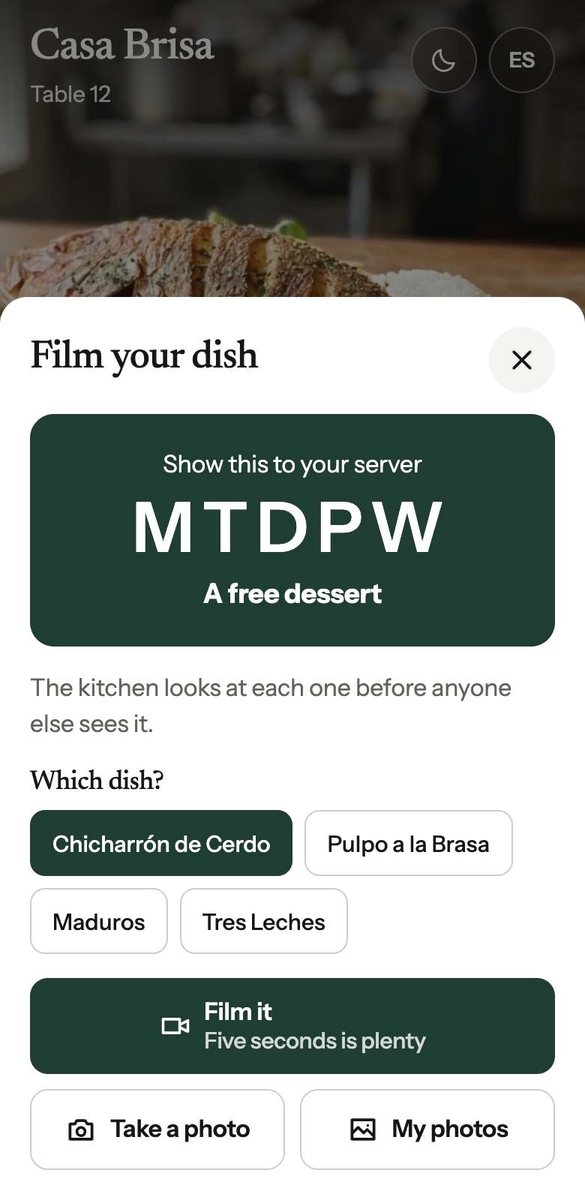
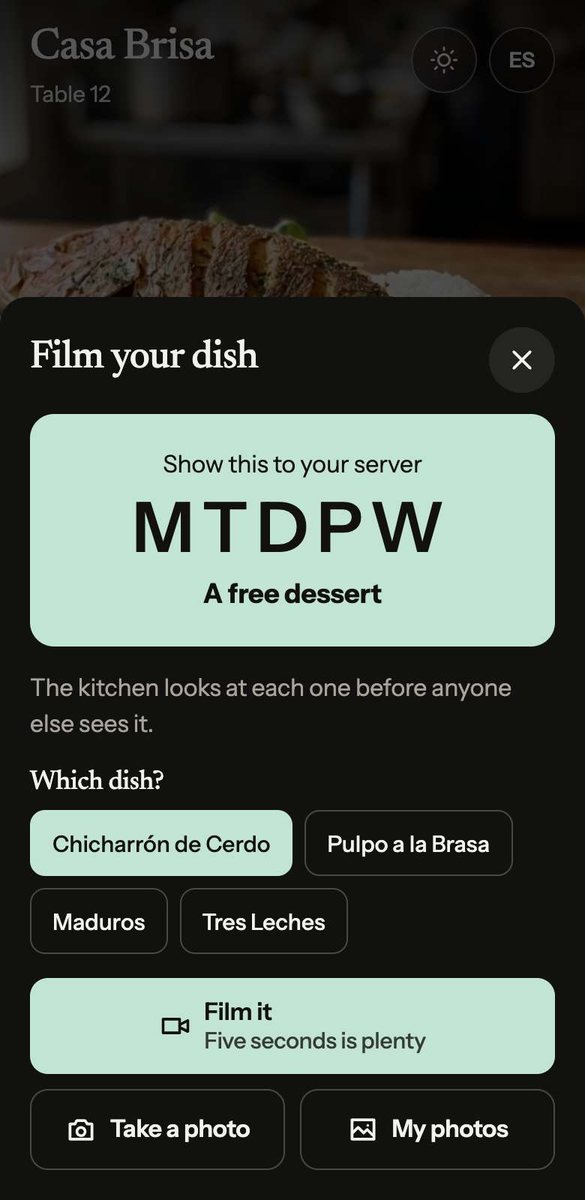
Offer a dessert, a drink, whatever you like. Guests send a photo or a short video of what they ordered. You say yes or no. A yes puts it on your menu and gives them a code for the gift.
- They send itOnly dishes their table ordered.
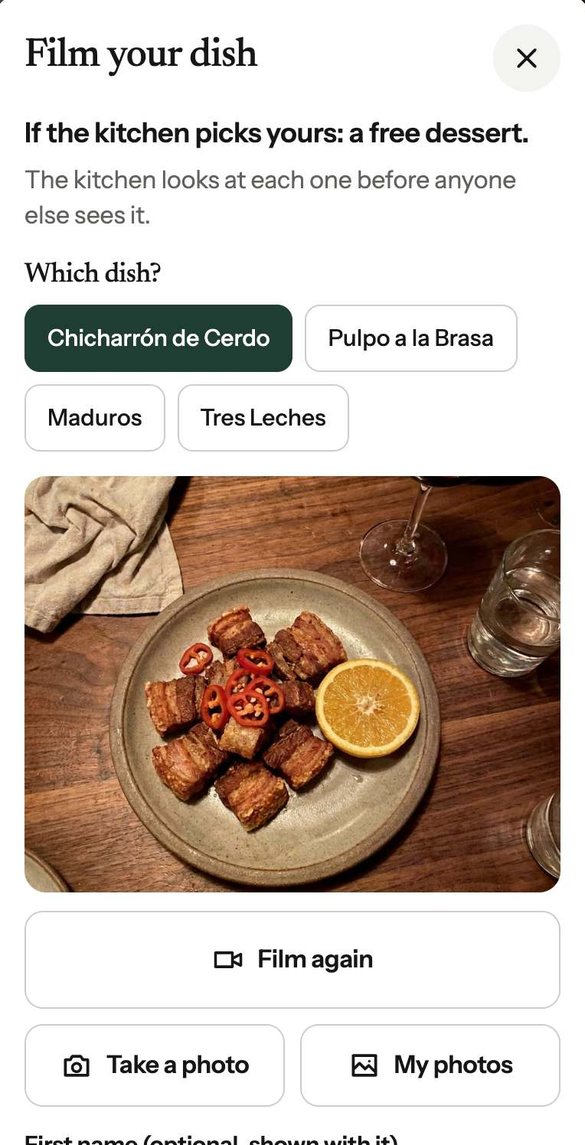
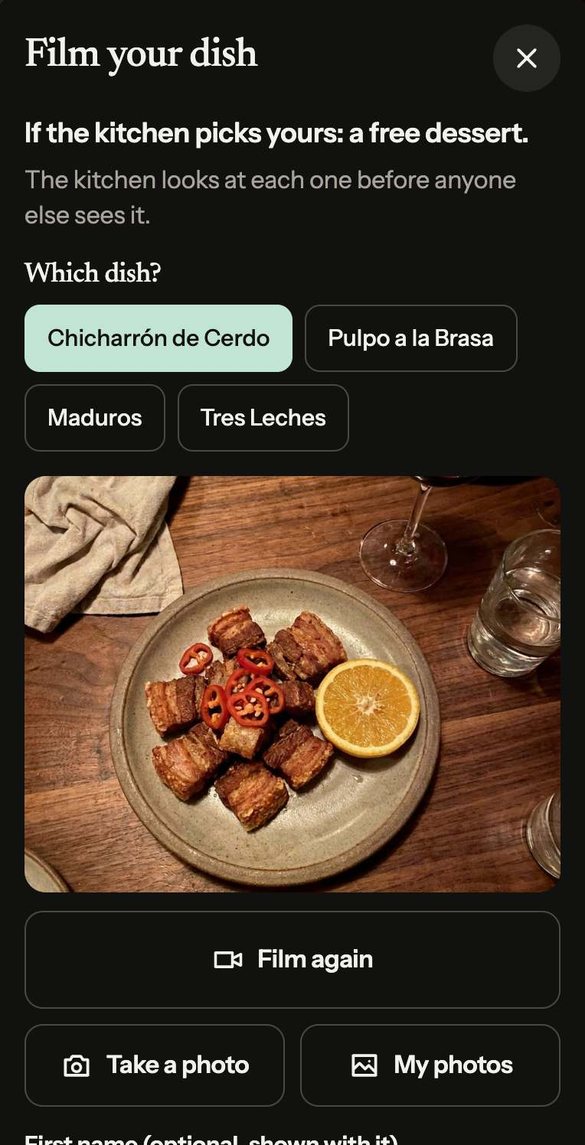
- You decideNothing shows before you say yes.
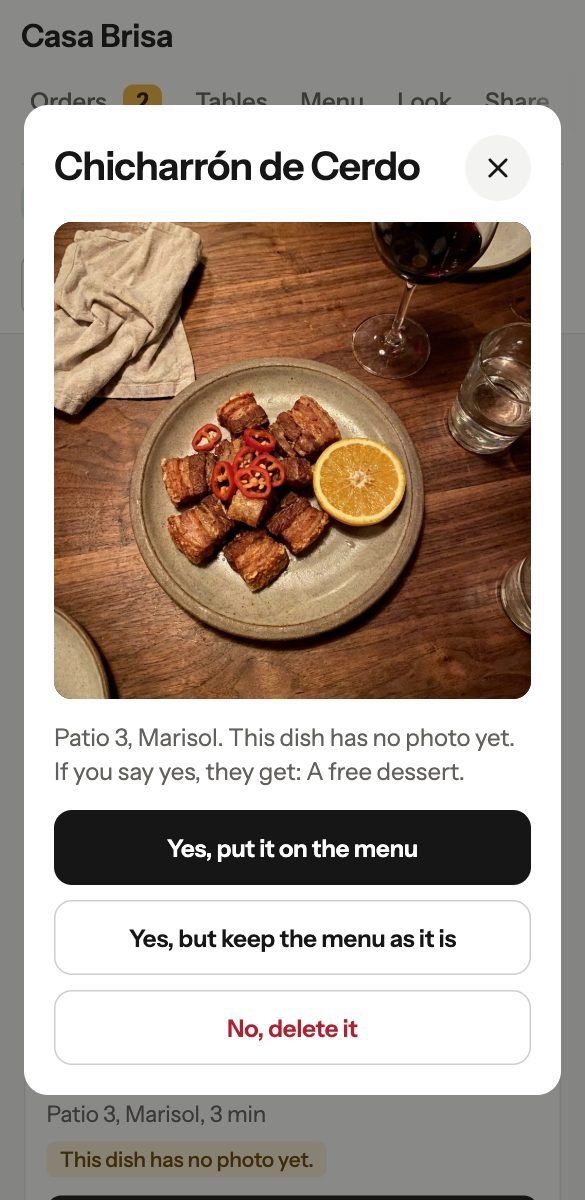
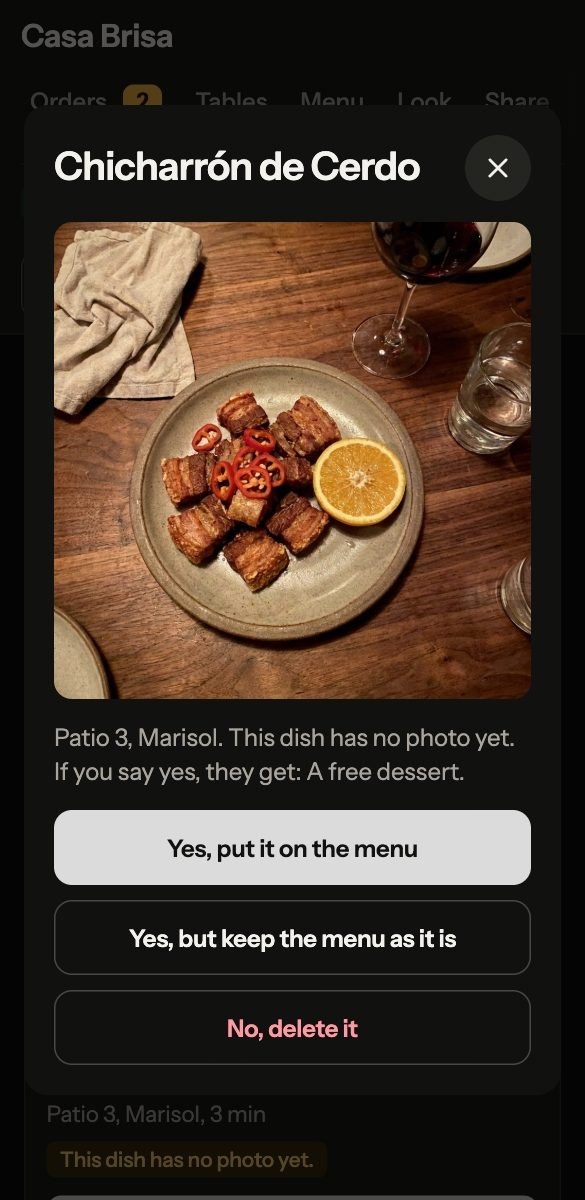
- They get the giftOne code, used once. The gift is for the photo, never for a review.
- Everyone gets the Google buttonEvery guest gets the same button to your Google page, whatever they thought, with a note in your words.
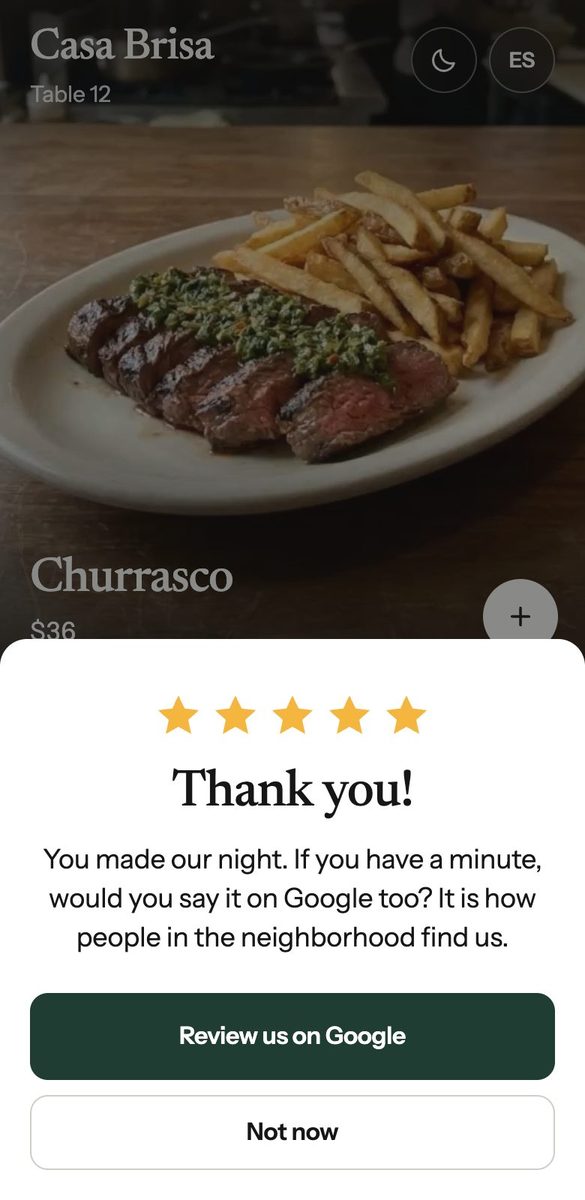
It carries your name, not ours.
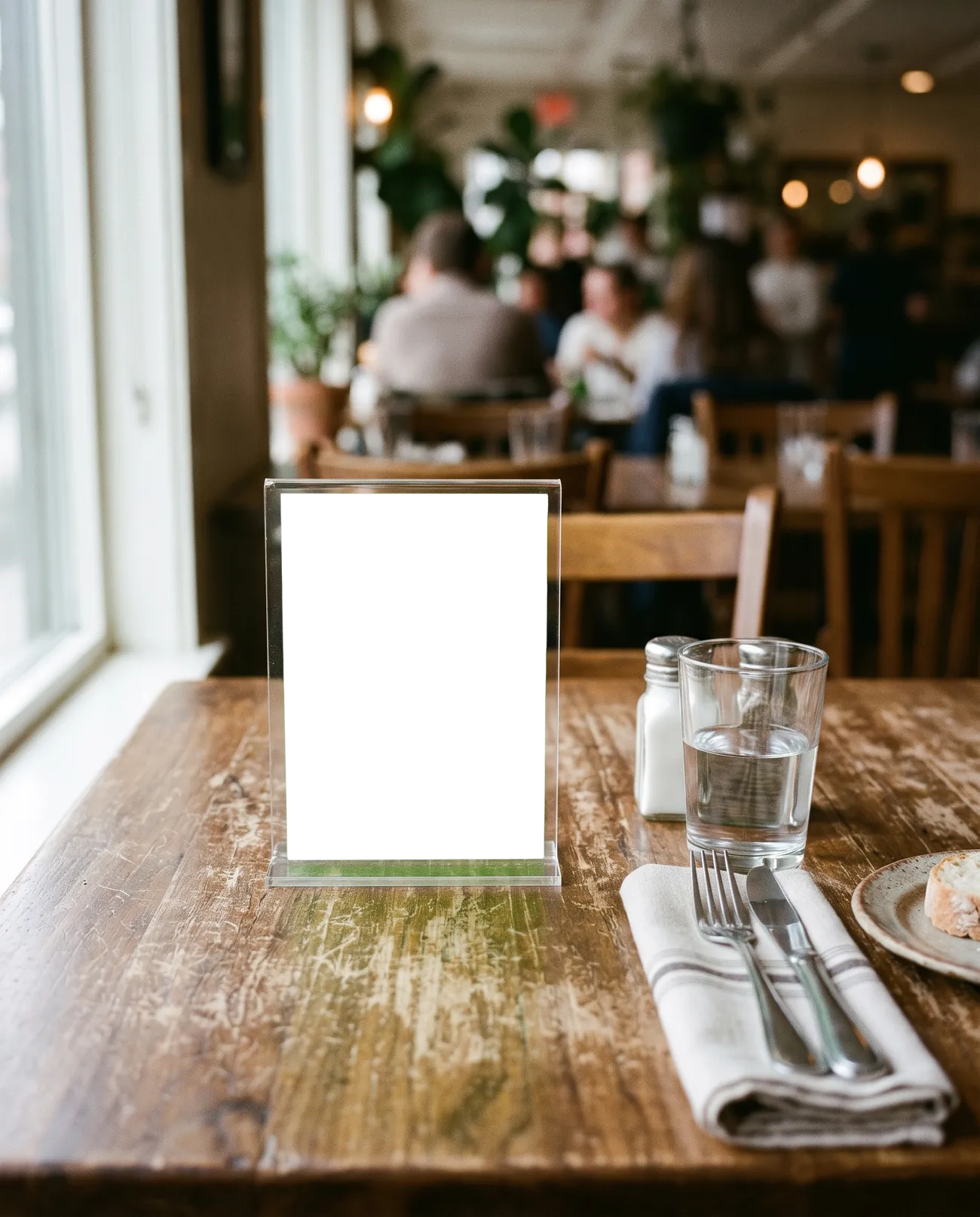
Your lettering, your color, your logo. This phone is running the real menu, so try it.
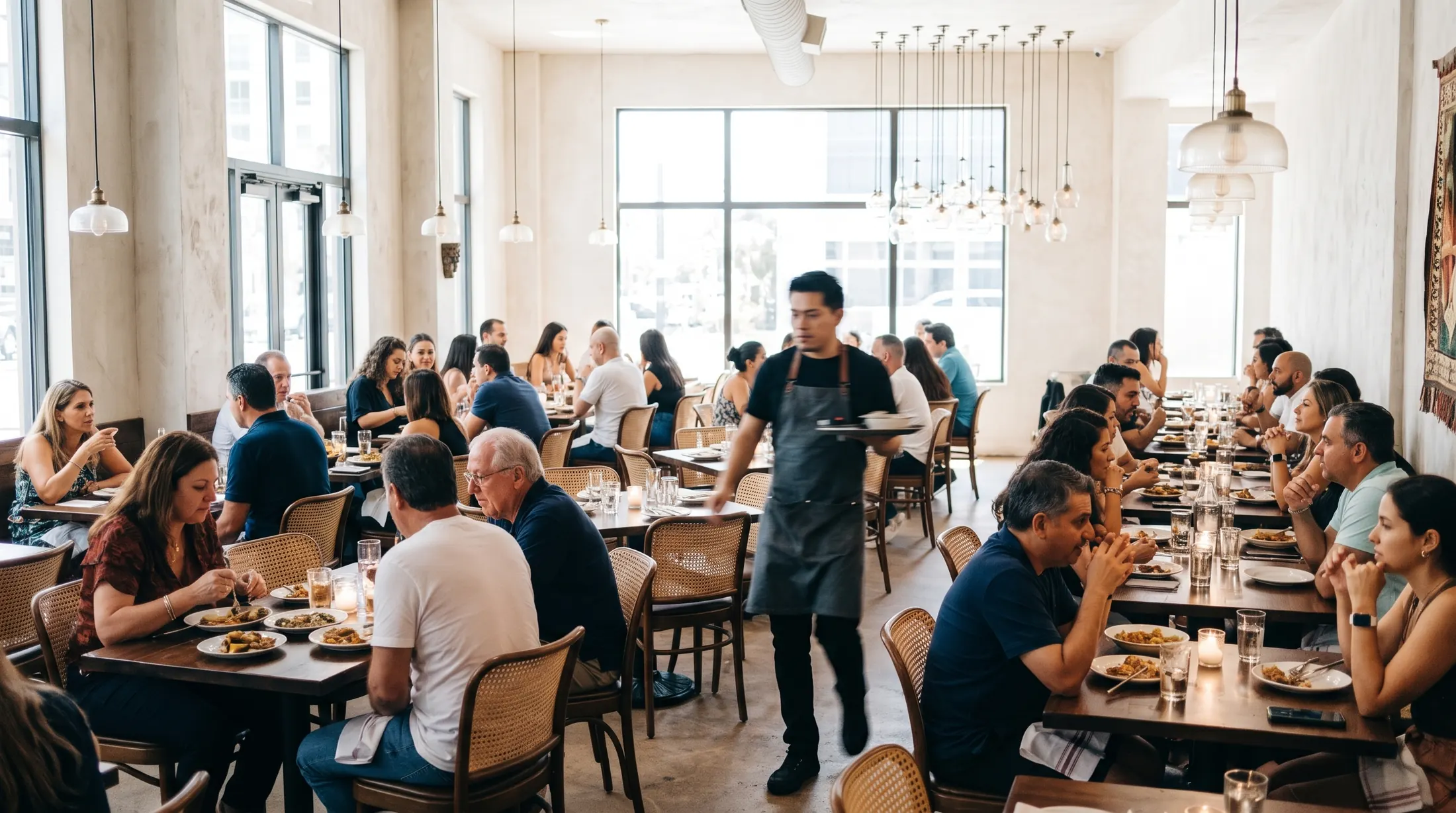
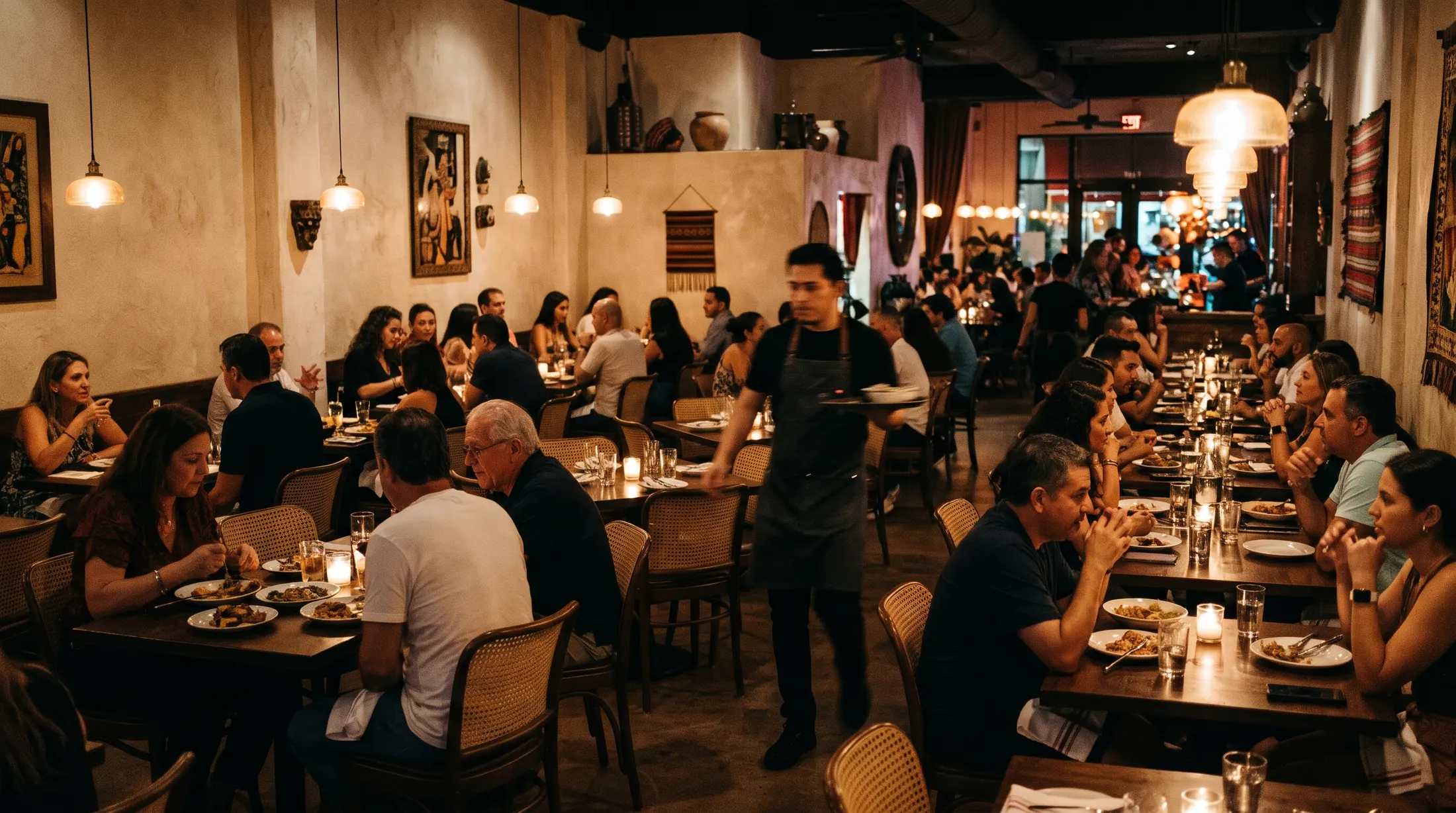
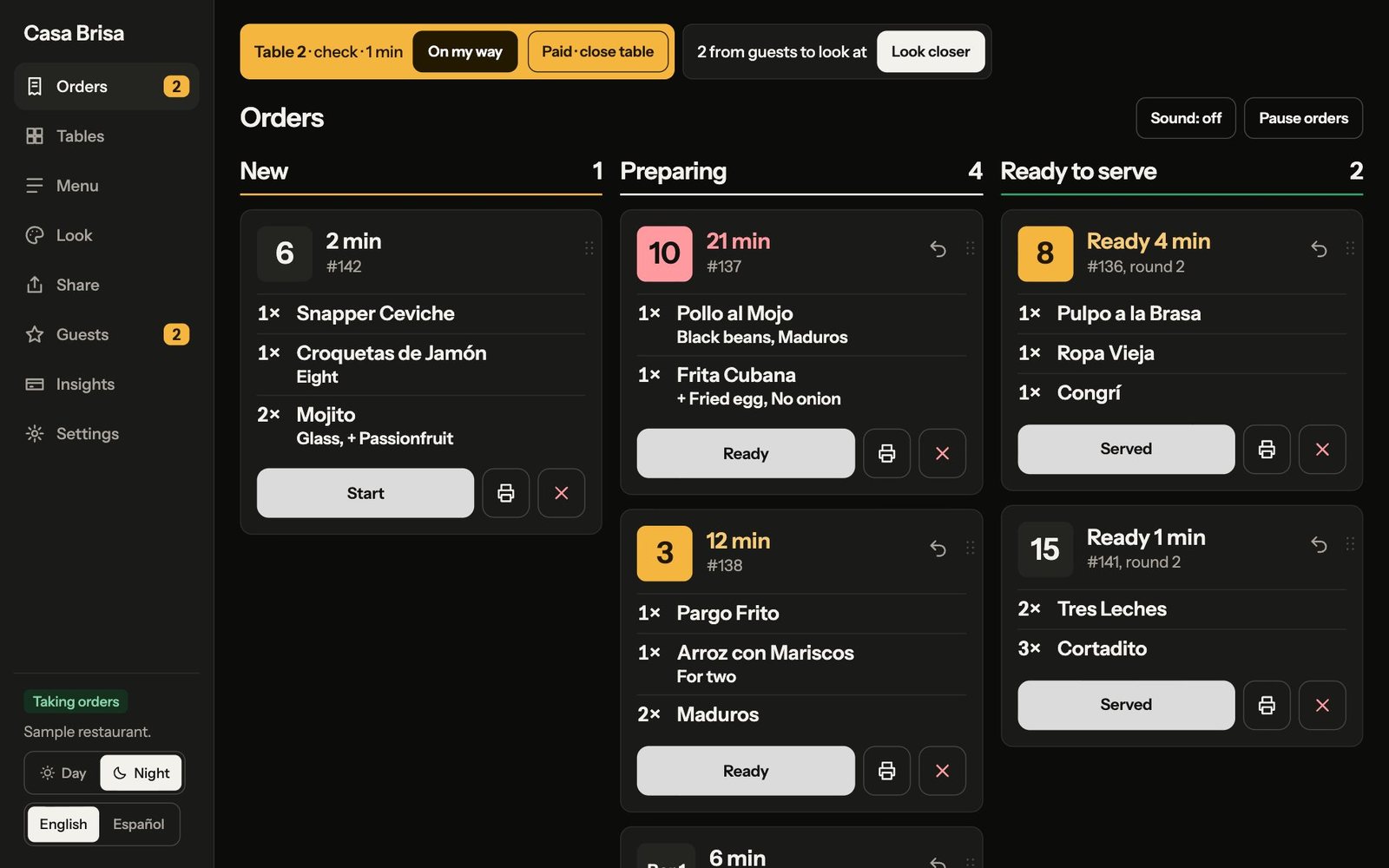
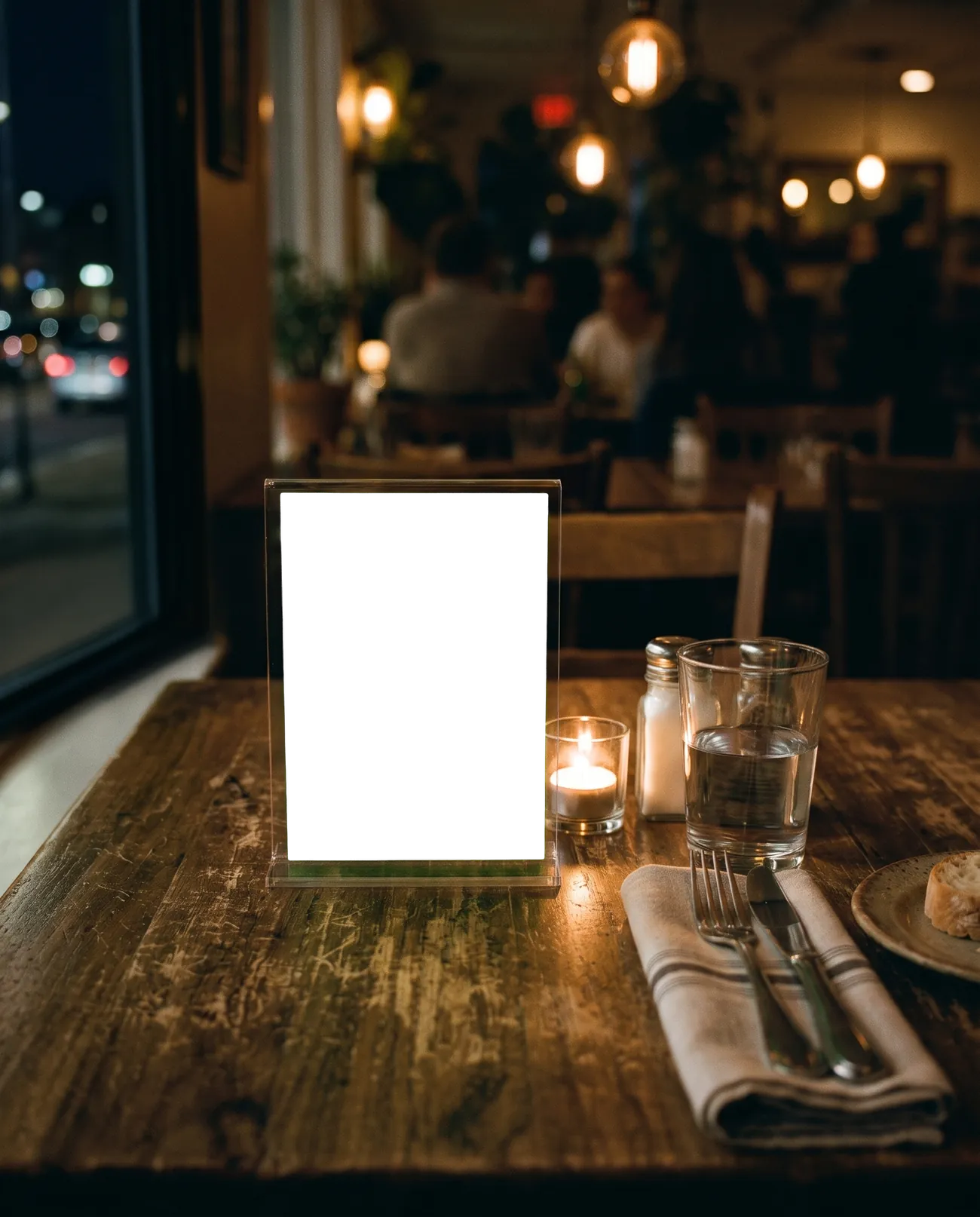
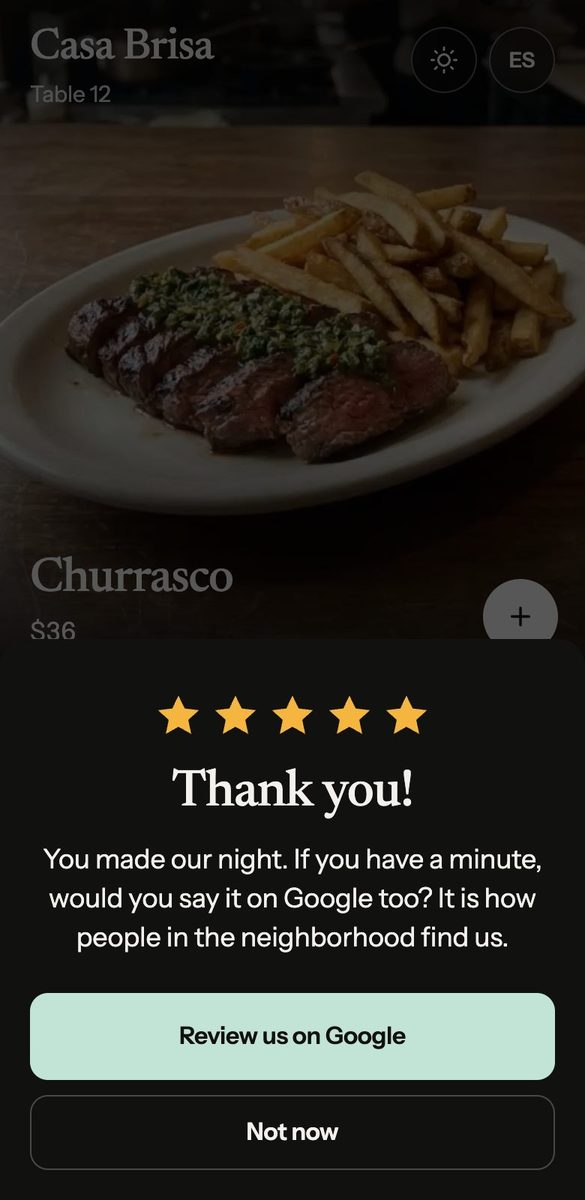
It dims when you dim the lights.
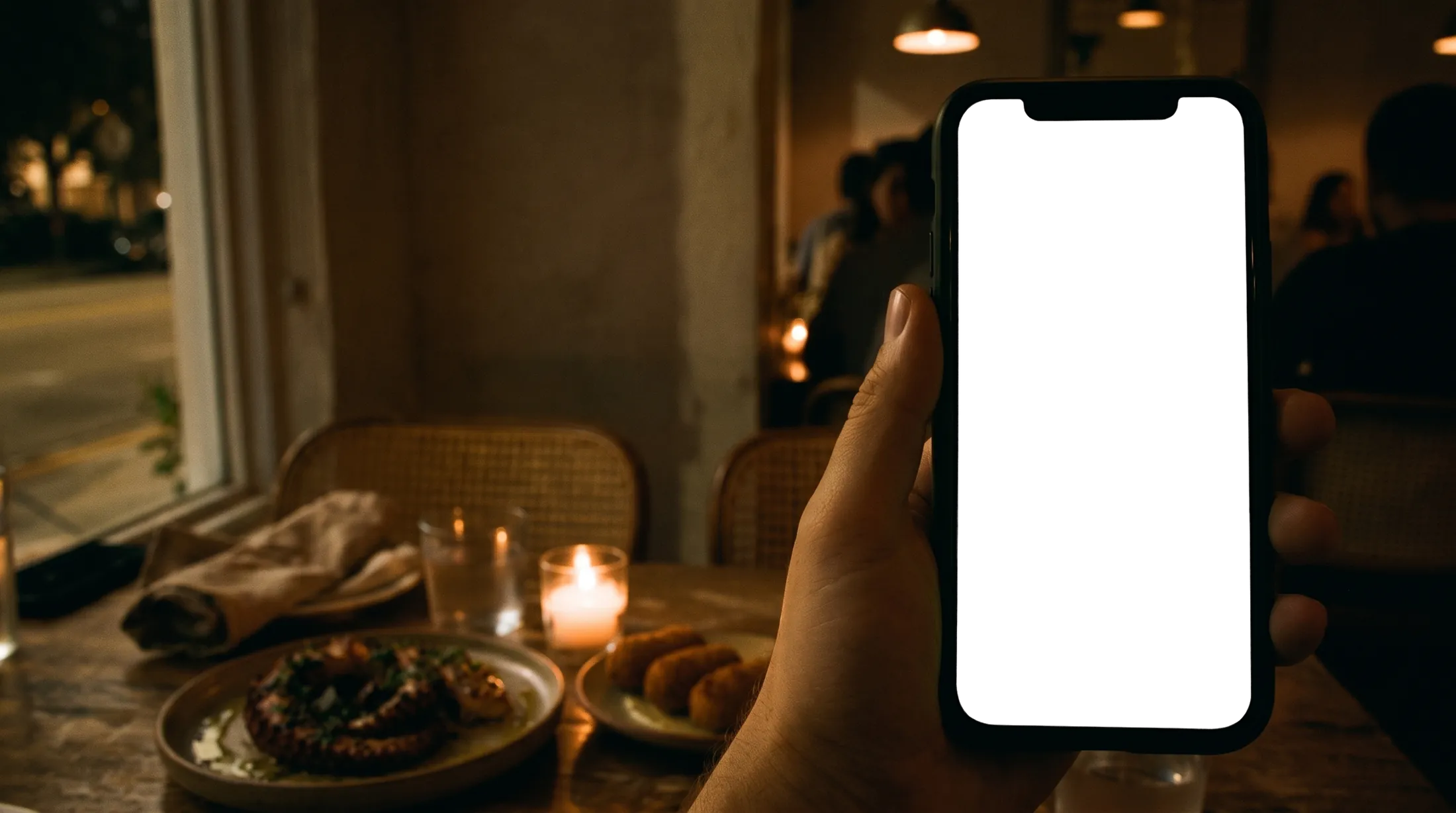
After six the menu goes dark on its own, so phones don't light up the room. Guests can switch it back.
Questions owners ask
Does it work with Toast, Square or Clover?
It runs next to them. It does not connect to them yet, so your team rings the check on the register you already use.
What does it cost?
The demo is free. The price is not public yet. You get it in writing before you decide anything.
Some of our guests want paper.
Keep it. This sits beside your menu and your servers, and calling one takes a tap.
Do guests need an app?
No. They scan the code and it opens in their browser, in English or Spanish.
What about allergies?
Guests pick from a list or type it in their own words. It lands on the ticket in red, and the kitchen cannot start the order until someone confirms they read it. The guest sees that they did. If you have not listed a dish's allergens, we never call it safe.
Can people order takeout?
Yes, as an add-on. They order from your menu link, with no app, and pay when they pick up. Your kitchen accepts each order and says when it is ready, and we take no commission.
Can regulars earn points?
Yes, if you want it. Guests make a simple account in the menu itself, with a name, a phone number and a code. They earn points for what they order and swap them for rewards you choose. You decide whether to have it at all.
Who can leave reviews?
Only people who ordered at one of your tables, and only about the dishes they ordered. The Google button goes to everyone.
Can we use it outside the dining room?
Yes. The same menu plays on your TV and sits in your Instagram bio, and Google and AI assistants can read it. Change a price once.
Can guests pay on their phone?
That is an optional add-on, off unless you ask for it. You can start with ordering and keep taking payment the way you do now.
Put your name on it.
Set up your own, or look around the demo first.